Guides / Buyer's guide
Buyer's guideCOI tracking software for owners and developers (2026): 8 tools compared
An owner tracks insurance twice: once for the GC and trades on each project, and again for tenants and vendors at the property. Here's which COI tools handle both, and which only handle one.
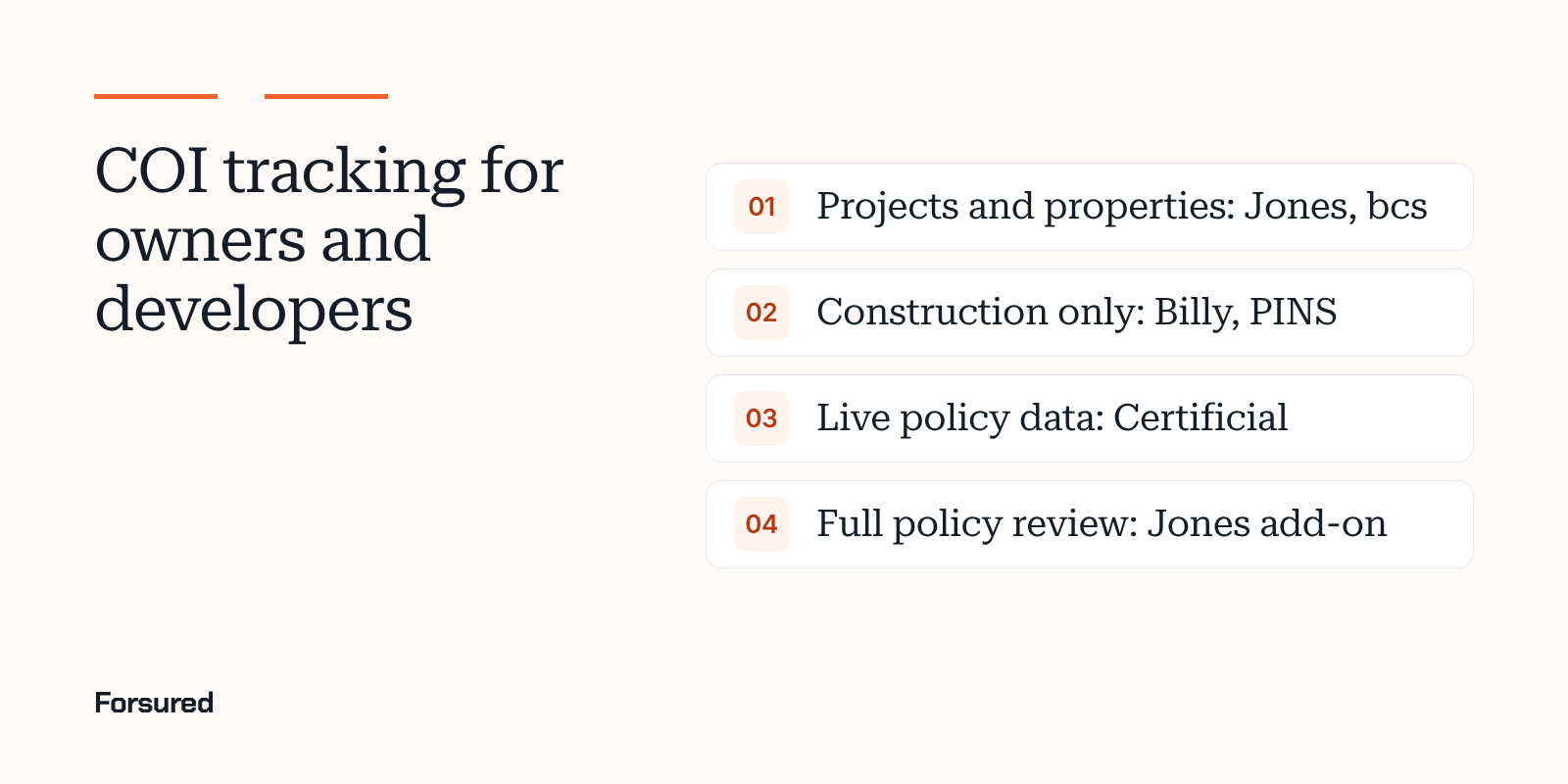
An owner or developer who builds sits at the top of every insurance chain on the job. The GC names you as an additional insured, the GC's trades name you too, and the subcontract language decides whether that coverage actually reaches you. Then the building opens and a second set of certificates starts: tenants, property vendors, the elevator company.
Most COI tracking software was built for one side of that. This guide compares the eight tools in our full comparison of COI tracking software for construction from the owner's seat. Every fact comes from each vendor's own pages, linked under Sources.
What owners need that GCs don't
- Projects and properties in one place. Contractor COIs per project, tenant and vendor COIs per property.
- Proof the coverage reaches the owner. Your exact legal name, ongoing and completed operations, and your limits, on every trade's policy, not only the GC's.
- Completed operations that lasts. Defect claims show up years after closeout. See whether additional insured status covers you after the job is done.
- Visibility into the GC's review. If the GC tracks the trades, you want to see the status, not trust it.
Owners' options at a glance
| Tool | Projects | Properties, tenants and vendors | Policy-level review | Pricing shown |
|---|---|---|---|---|
| Jones | Yes | Yes | Policy Review add-on | Model only |
| bcs | Yes | Yes | On full service | Yes |
| Billy | Yes, construction only | No | Endorsement checks | Starting price |
| Certificial | Project layer | Supplier programs | Endorsement details | Yes |
| TrustLayer | Yes | Yes, many industries | Endorsement language | Free tier only |
| Forsured | Yes, with exceptions | No | Endorsements against each project | Quote |
| PINS Advantage | Yes | No | Endorsement wording | Yes |
| illumend | By contract | Not stated | AI reads every endorsement | Quote |
The tools, from the owner's seat
Jones: built for owners who also build
Jones say they're built for commercial real estate owners and operators, property managers and construction general contractors. Requirements can be set by record, project or property, and AI and Jones's specialists review COIs and endorsements. Policy Review reads full policies for exclusions a certificate won't show. Pricing is per tenant or vendor record per property, billed annually, and Jones never charges your vendors or subcontractors.
bcs: property and project templates, published rates
bcs serve property managers, general contractors, risk managers and procurement teams. Templates can be set by vendor type, project or property. bcs is free up to 25 vendors, self-service is $11.40 per vendor per year, and full service, which adds analyst outreach and full policy review, starts at $17.80 per vendor per year with a $10,000 annual minimum.
Billy: the construction side for developers
Billy is construction only, for GCs, developers, owners and homebuilders, and also tracks prequalification, certified payroll, lien waivers and warranties through closeout. It won't cover tenants after the building opens.
Certificial: live data for large programs
Certificial get certificates from the vendor's agent of record through a network they put at more than 25,000 agencies, and say they alert you when coverage changes. That's useful for an owner with hundreds of property vendors. It's aimed at enterprise programs more than construction projects.
TrustLayer and illumend: more than construction
TrustLayer serve construction, real estate, retail, finance and other industries, are free up to 50 vendors, and track insurance per project. illumend track vendors across more than one industry and let their AI make the compliance call against each contract.
Forsured and PINS Advantage: project depth for the construction side
Forsured checks every certificate and endorsement against the requirements of the project the contractor is on, including the owner's and lender's, and gives the broker a shared workspace to fix the gap. PINS Advantage reads endorsement wording against requirements built from your contracts. Neither tracks tenant certificates, so pair either with a property tool if you need both.
How to choose
- Decide who tracks the trades. You, the GC, or both. If the GC does it, require them to share status by project.
- Write your owner requirements once. Limits, endorsements and the completed operations period. Check contractor insurance requirements by state, since anti-indemnity rules change what you can ask for.
- Test the owner's name. Send each tool a certificate where the owner's entity name is slightly wrong. A tool that passes it isn't reading.
About this guide
This guide was written by the Forsured team. Forsured makes one of the tools described here. No vendor paid to be included or saw this page before it was published. Every vendor fact comes from that vendor's own public pages as of the dates under Sources. Products change, so confirm with each vendor.
Get new posts by email.
New posts on contractor COIs and project requirements, plus the coverage gaps we're seeing on real projects. Short and plain.
You're on the list. Thanks for reading.
No spam. Unsubscribe from any email.
About Forsured
Forsured is construction insurance compliance software for general contractors and the brokers who insure their trade contractors. You set each project's insurance requirements once. Forsured reads every contractor COI and endorsement against them, flags each gap with the reason, and keeps checking through renewals until the job is done.
- Project requirements with exceptions, not one template for every job
- Endorsement review (additional insured, waiver of subrogation, primary and noncontributory), not just the certificate
- A shared workspace where the contractor's broker sees exactly what's missing
- A person on your team approves every result, with a full review history
“What stood out to us is that Forsured doesn't just organize the paperwork. It helps us understand what meets the project requirements, what needs attention, and what needs to happen next. That clarity across the GC, subcontractor, and broker is where we see the real value.”
Send us one project's requirements and a contractor COI or two. We'll show you every gap we find, free.
Common questions
What COI tracking software works for real estate owners and developers?
Jones serves commercial real estate owners, property managers and general contractors, and tracks by record, project or property. bcs serves property managers and general contractors with requirements set by vendor type, project or property. Billy is construction only and names developers and owners among its customers. Certificial suits large vendor programs that want live policy data from the agent.
Should an owner track contractor COIs or leave it to the GC?
Both. The GC collects and checks the trades' certificates, but the owner carries the loss if the GC's review misses a gap. Many owners require the GC to share compliance status, or track the GC and key trades themselves.
What should an owner check on a contractor's COI?
That the owner's exact legal name is an additional insured for ongoing and completed operations, that limits meet the owner's requirement, that the policy is primary and noncontributory and waives subrogation where the contract calls for it, and that the policy stays in force through the completed operations period.
Sources
- Jones home page, Jones, checked Nov 13, 2026
- Pricing and plans, Jones, checked Nov 11, 2026
- Pricing and plans, bcs, checked Nov 13, 2026
- FAQ: requirements, renewals and pricing, Billy, checked Nov 11, 2026
- Certificial home page, Certificial, checked Nov 13, 2026
- Plans, TrustLayer, checked Nov 11, 2026
We link to the original reporting and research behind every post. This post is general information, not legal or insurance advice: Forsured is a software company, not a law firm or a licensed insurance agency, so confirm anything you'll rely on with your broker or attorney. Spotted something we got wrong? Write to hello@forsured.ai and we'll fix it.