Blog / Buyer's guide
Buyer's guideWhich COI tracking software checks endorsements, not just certificates?
Almost every COI tracking tool now says it checks endorsements. What differs is how far it reads: the form type, a list of required forms, the wording, or the full policy. Here's where eight tools land, from their own pages.
Which COI tracking software checks endorsements, not just certificates? Almost all of it, now. Of the eight construction tools in our COI tracking software buyer's guide, every one says it looks at endorsements. The question that separates them is how far each one reads: does it name the endorsement type, flag a missing required form, read the wording against your project requirements, or read the full policy? And once it has read it, who decides whether the endorsement is good enough?
That matters because the certificate is only a summary. An additional insured box checked on an ACORD 25 doesn't tell you which endorsement was issued, whether it covers completed operations, or whether it only applies where there's a written contract. Since 1993 the standard CG 20 10 covers ongoing operations only, so a tool that confirms "CG 20 10 attached" hasn't told you whether you're covered after the job is done. See why completed operations coverage needs its own endorsement.
Every fact below comes from each vendor's own public pages, checked Nov 12, 2026 and linked under Sources. Forsured is one of the eight tools, so we've described our own review the same way.
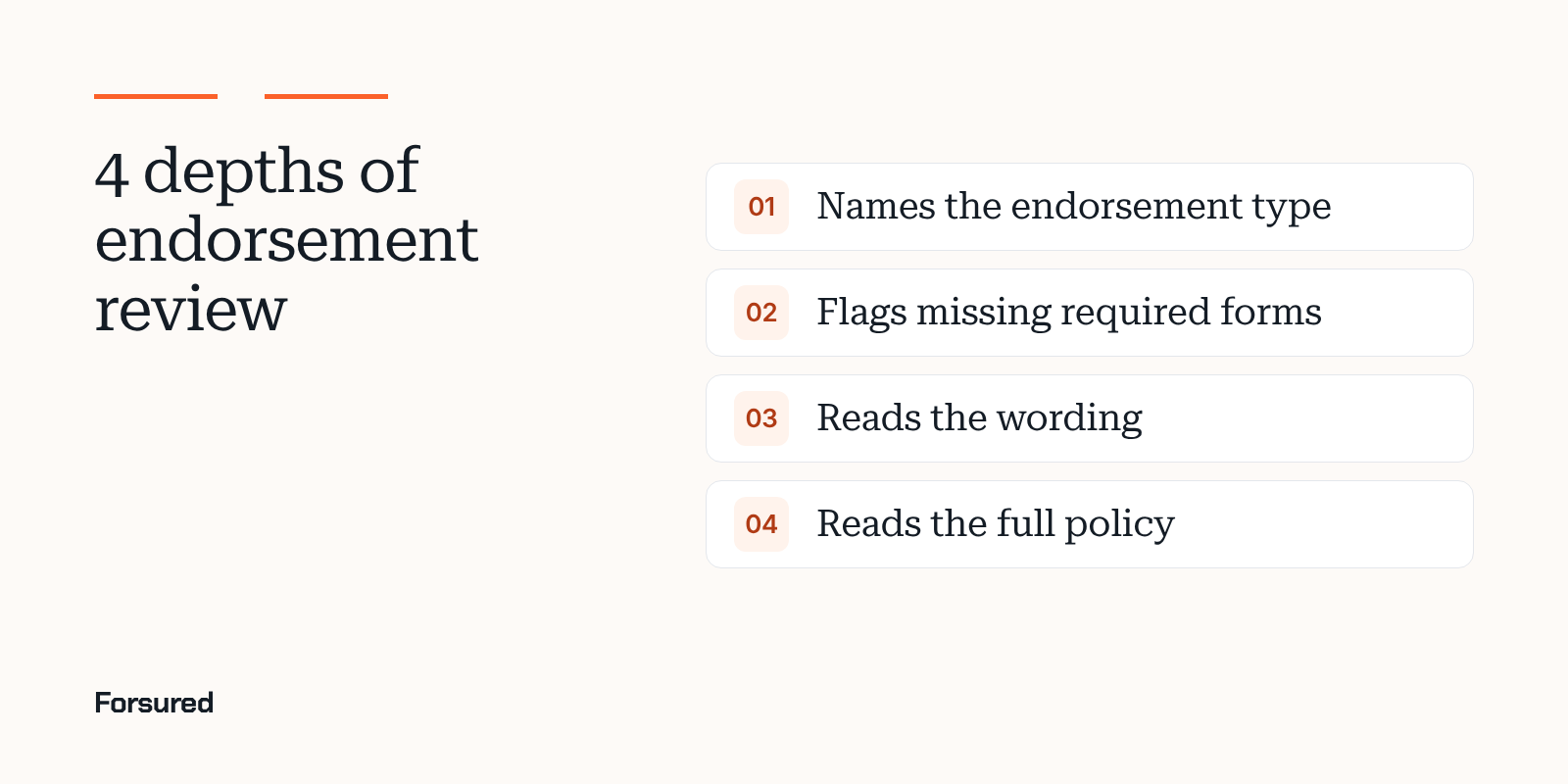
The four depths of endorsement review
| Depth | What the tool does | What it can miss |
|---|---|---|
| 1. Names the endorsement type | Identifies which endorsement is attached and pulls fields like carrier, form number and policy number | Whether the wording meets your requirement |
| 2. Flags missing required forms | Checks for the forms you require, such as CG 20 10, CG 20 37 or a waiver of subrogation | A substitute form that covers less, or more, than the one you named |
| 3. Reads the wording | Reads the endorsement language against your requirements and shows why it passed or failed | Exclusions that live in the policy, not the endorsement |
| 4. Reads the full policy | Reviews the policy itself for exclusions and restrictions | Usually priced as an add-on or a managed service |
Depth 3 is where most construction gaps get caught, because that's where blanket additional insured wording, "where required by written contract" limits and completed operations language live. Depth 4 is worth paying for on high-risk work, where an exclusion in the policy can take away what the endorsement gave.
Where each tool lands
| Tool | Deepest review described | Endorsements named on its page | Final call |
|---|---|---|---|
| Forsured | Reads the wording against project requirements | Additional insured for ongoing and completed operations, waiver of subrogation, primary and noncontributory, umbrella limits | A person on your team |
| PINS Advantage | Reads the wording | Additional insured for ongoing and completed operations (CG D3 81 vs CG 20 10 and CG 20 37), primary and noncontributory, waiver of subrogation | A person, nothing auto-approved |
| TrustLayer | Reads the wording | Additional insured and equivalents, primary and noncontributory, waiver of subrogation, completed operations, blanket vs scheduled | A person confirms |
| illumend | Reads the wording | Additional insured, waiver of subrogation, primary and noncontributory, per project aggregates | AI |
| Billy | Flags missing required forms | CG 20 10, CG 20 37, waiver of subrogation, primary and noncontributory | Your team, or Billy's reviewers |
| bcs | Names the endorsement type (full policy review on full service) | None listed | A compliance analyst |
| Certificial | Names the endorsement and pulls key fields | None listed | Your criteria |
| Jones | Reads full policies for exclusions (add-on) | None listed | AI with Jones specialists |
Forsured: reads the wording against the project's requirements
Forsured reads each certificate and endorsement against the requirements of the project the contractor is on, including project-level exceptions. Each gap comes with its reason, such as a missing ongoing operations additional insured endorsement (CG 20 10), a completed operations endorsement that doesn't match the project, or an umbrella below the required aggregate. The contractor's broker sees the requirement, the document and the project in one shared workspace. AI finds and explains each issue, and a person on your team approves or waives it.
PINS Advantage: reads the wording, with the page linked
PINS Advantage say their AI reads every endorsement in full and "confirms ongoing and completed operations coverage, including whether a CG D3 81 meets a CG 20 10 and CG 20 37 requirement." They check primary and noncontributory and waiver of subrogation wording, and flag restrictive language such as privity of contract limits. Each answer is pass, fail or needs review, with reasoning and a link to the exact page. Their line on depth: "the wording matters more than the form number." Nothing is auto-approved.
TrustLayer: reads the wording, rolling out by plan
TrustLayer's Enhanced Endorsements check for additional insured language and common equivalents, primary and noncontributory, waiver of subrogation on general liability, auto and workers' comp, completed operations wording, blanket versus scheduled requirements, and project, location or owner clauses. They also check that an endorsement is actually included, not just referred to. The result shows where the language appears and why it matched or didn't, and a person reviews it. TrustLayer say the feature is rolling out in phases and availability can depend on your plan.
illumend: reads the wording, and AI decides
illumend, the AI platform from myCOI, say their AI, Lumie, "reads every endorsement, every time, line by line," including additional insureds, waivers of subrogation, primary and noncontributory and per project aggregates, and checks them against your contract. Lumie makes each compliance decision itself and escalates only what it can't resolve. In their Procore integration, your team confirms the result.
Billy: flags missing required endorsements
Billy's AI review assistant flags missing endorsements by form: CG 20 10, CG 20 37, waiver of subrogation and primary and noncontributory, plus missing additional insured language, and tells the vendor how to fix it. On the managed plan, their CRIS-certified team reviews every certificate and endorsement. Their pages don't say whether the AI reads endorsement wording or checks for the form.
bcs: names the endorsement type, with full review on full service
The bcs ai page describes "instant endorsement type identification" and a question and answer walkthrough of the document, and says nothing the AI concludes is applied automatically: a compliance analyst signs off. bcs's full-service plan adds full policy reviews covering endorsements and description of operations language.
Certificial: names the endorsement and pulls key fields
Certificial's EndorsementIQ pulls the carrier, form number, policy numbers and exclusions from each endorsement so you can accept or reject it against your own criteria. Their page doesn't say how far it reads the wording.
Jones: reads full policies as an add-on
Jones's AI and insurance specialists review COIs and required endorsements, and their Policy Review add-on reads full policies for exclusions: up to five pre-agreed exclusions on Standard, and relevant exclusions and restrictions on Comprehensive. It's the only tool here that describes reading the policy itself as a product feature.
Five questions to ask in a demo
- Show me a CG 20 10 with no CG 20 37. Does the tool flag the missing completed operations coverage, or pass it because "additional insured" is present?
- Show me a blanket additional insured endorsement. Does it read the "where required by written contract" language and check it against your subcontract?
- Show me a substitute form. A carrier's own form in place of an ISO form should be judged by its wording, not failed or passed on the form number.
- Where's the proof? Ask to see the page and the language behind each pass or fail.
- Who signs off? Decide whether you want AI deciding on its own, a person on every result, or a managed team doing the review for you.
State rules can change what you're allowed to require, so check contractor insurance requirements by state before you build your endorsement checklist. For pricing, Procore and broker follow-up across the same eight tools, see the full COI tracking software comparison.
About this guide
This guide was written by the Forsured team. Forsured makes one of the eight tools described here. No vendor paid to be included or saw this page before it was published. Every vendor fact comes from that vendor's own public pages as of Nov 12, 2026. Products change, so confirm the details with each vendor.
Get new posts by email.
New posts on contractor COIs and project requirements, plus the coverage gaps we're seeing on real projects. Short and plain.
You're on the list. Thanks for reading.
No spam. Unsubscribe from any email.
About Forsured
Forsured is construction insurance compliance software for general contractors and the brokers who insure their trade contractors. You set each project's insurance requirements once. Forsured reads every contractor COI and endorsement against them, flags each gap with the reason, and keeps checking through renewals until the job is done.
- Project requirements with exceptions, not one template for every job
- Endorsement review (additional insured, waiver of subrogation, primary and noncontributory), not just the certificate
- A shared workspace where the contractor's broker sees exactly what's missing
- A person on your team approves every result, with a full review history
“What stood out to us is that Forsured doesn't just organize the paperwork. It helps us understand what meets the project requirements, what needs attention, and what needs to happen next. That clarity across the GC, subcontractor, and broker is where we see the real value.”
Send us one project's requirements and a contractor COI or two. We'll show you every gap we find, free.
Common questions
Which COI tracking software checks endorsements, not just certificates?
Most construction COI tracking tools now check endorsements. Forsured, PINS Advantage, TrustLayer and illumend say they read the endorsement wording against your requirements. Billy flags missing required endorsements by form, bcs and Certificial identify the endorsement and its key fields, and Jones adds full policy review for exclusions as an add-on.
Why isn't the additional insured box on an ACORD 25 enough?
The certificate is a summary. It doesn't change the policy, and a checked additional insured box doesn't tell you which endorsement was issued, whether it covers completed operations, or whether it's limited to written contracts. Only the endorsement form and its wording answer that.
Can COI software tell whether an endorsement covers completed operations?
The tools that read the wording can. PINS Advantage says its AI checks whether a CG D3 81 meets a CG 20 10 and CG 20 37 requirement, and TrustLayer lists completed operations wording in its endorsement checks. Tools that only identify the form tell you a CG 20 10 is attached, and since 1993 the standard CG 20 10 covers ongoing operations only.
Does AI make the final call on endorsements?
It depends on the tool. illumend's AI makes each decision and escalates only what it can't resolve. PINS Advantage says nothing is auto-approved, TrustLayer keeps a person in control of every result, bcs sends every AI suggestion to a compliance analyst, and Forsured has a person on your team approve or waive each gap.
What endorsements should subcontractor COI tracking software check?
At minimum the additional insured endorsements for ongoing and completed operations, waiver of subrogation on general liability, auto and workers' comp, primary and noncontributory wording, and any project, owner or location named in a scheduled endorsement. Check them against the requirements of the project the contractor is on.
Sources
- AI COI review, PINS Advantage, checked Nov 12, 2026
- Enhanced Endorsements, TrustLayer, checked Nov 12, 2026
- illumend home page, illumend, checked Nov 12, 2026
- illumend integration with Procore, illumend, checked Nov 12, 2026
- FAQ: AI review assistant, Billy, checked Nov 12, 2026
- bcs ai, bcs, checked Nov 12, 2026
- Pricing and plans, bcs, checked Nov 12, 2026
- EndorsementIQ, Certificial, checked Nov 12, 2026
- Policy Review, Jones, checked Nov 12, 2026
- Pricing and plans, Jones, checked Nov 12, 2026
We link to the original reporting and research behind every post. This post is general information, not legal or insurance advice: Forsured is a software company, not a law firm or a licensed insurance agency, so confirm anything you'll rely on with your broker or attorney. Spotted something we got wrong? Write to hello@forsured.ai and we'll fix it.