Blog / Buyer's guide
Buyer's guideCOI tracking software checklist: what a general contractor should look for (12 points)
A COI tracking software checklist for a general contractor starts with two questions: does it hold requirements by project, and does it read the endorsements, not just the certificate? The other ten points cover the broker fix, renewals, wrap-ups, who makes the call, integrations, security and price. Each one comes with a test.
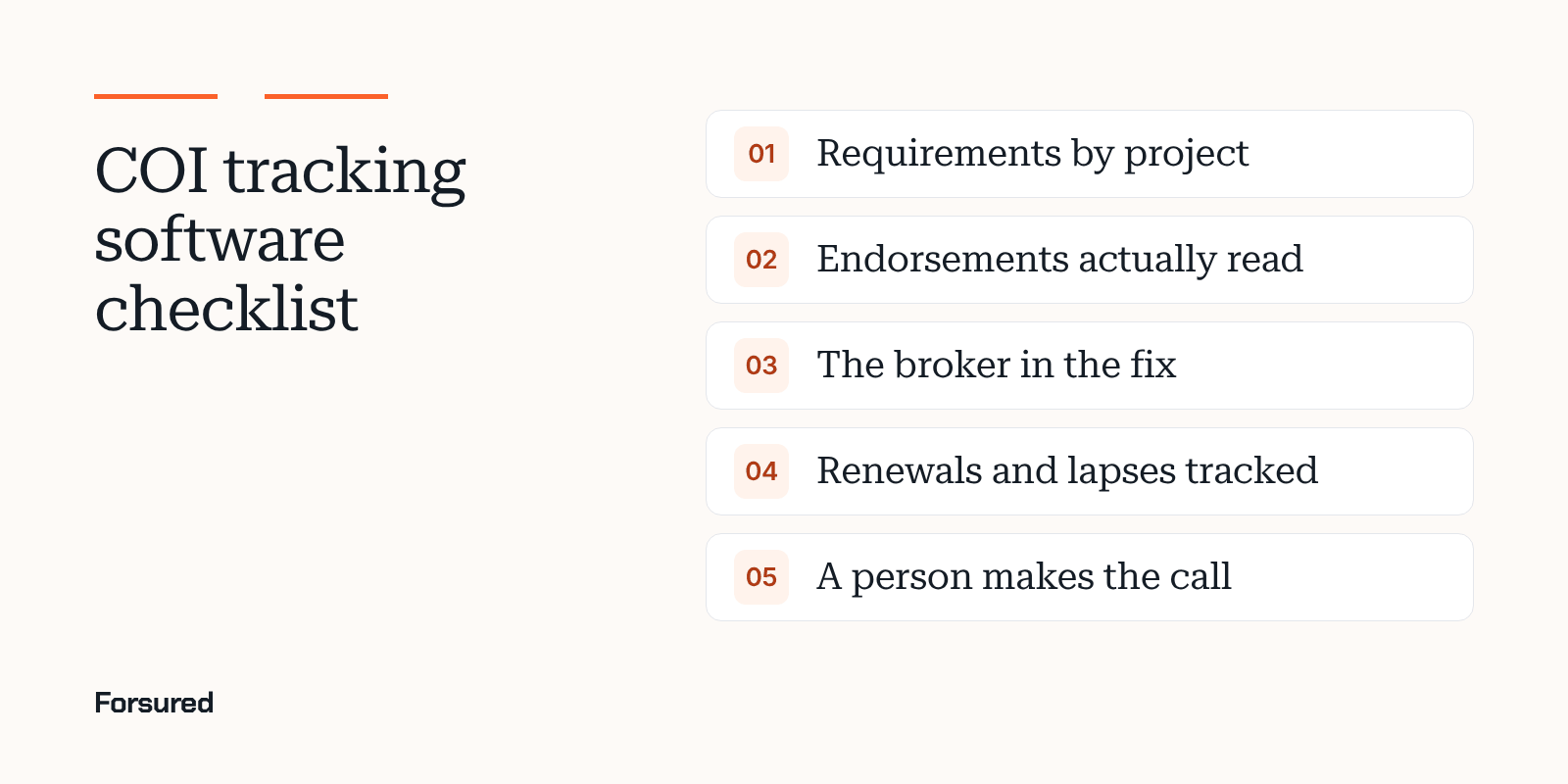
Most COI tracking software demos look alike, and most lists of COI tracking software features read alike too. Someone uploads a clean certificate, the fields fill in, a green check appears, and an expiration reminder gets scheduled. The differences that matter on a construction project don't show up until a contractor's endorsement is wrong, a project carries its own limits, or a policy lapses halfway through the job.
This COI tracking software checklist is for general contractors' risk, compliance and project teams writing down what they need before they shortlist tools. It names no vendors. It lists 12 points, ranks the COI tracking software features by how much they matter, and gives a test you can run with your own documents.
The order is the weighting. Points 1 to 5 decide whether a gap gets caught at all, so they count most. Points 6 to 9 decide how fast it gets fixed and who's accountable. Points 10 to 12 decide whether the tool fits your systems, your security review and your budget.
Forsured makes COI tracking software, so read the checklist knowing that. It's written to be useful whichever tool you pick, and the tests work the same on ours as on anyone's.
What should a general contractor look for in COI tracking software?
A general contractor should look for COI tracking software that holds requirements by project, reads endorsements instead of checkboxes, sends gaps back to the broker, tracks renewals across every project a contractor works on, and makes clear who approves each contractor COI. COI tracking software features like integrations, security and price come after those, because a tool that misses a gap is expensive at any price.
What is on the COI tracking software checklist?
The COI tracking software checklist below has 12 points. The test column is what to bring or ask in the demo.
| # | Look for | How to test it |
|---|---|---|
| 1 | Requirements held by project and by trade | Load two projects with different umbrella limits and check one contractor against both |
| 2 | Where each requirement came from | Ask to see the contract section a requirement points back to |
| 3 | Endorsement review, not checkbox reading | Upload a certificate with the additional insured box checked and no endorsement |
| 4 | Ongoing and completed operations checked separately | Send an ongoing operations form with no completed operations form |
| 5 | Each failure explained, missing documents treated as fails | Leave out the waiver of subrogation and see how the result reads |
| 6 | The broker in the fix | Ask who gets the deficiency request and whether it quotes the requirement |
| 7 | Renewals and lapses tracked by policy | Ask what happens on the expiration date if no renewal has come in |
| 8 | Wrap-ups and blanket policies | Ask how an OCIP or CCIP enrollment changes what a contractor must show |
| 9 | Who makes the final call | Ask what's automated, what a person reviews and how accuracy is tested |
| 10 | Fit with your project tools | Ask what syncs with your project and accounting systems, in which direction |
| 11 | Security and document access | Ask for the SOC report and who can see each document |
| 12 | Price in writing | Ask for year-one and year-two totals at your contractor count |
Which COI tracking software features matter most?
The COI tracking software features that matter most are the first five on the list, because they decide whether a gap is caught before a trade is on site. Here's what to look for in each group.
Project requirements (points 1 and 2)
Project requirements change from job to job. One owner wants $10 million in umbrella limits, another wants $5 million, and a public project adds its own forms. A tool that keeps one set of requirements per contractor will pass a certificate that fails the project it's for. Look for project requirements set by project and by trade tier, with each line traced back to the contract section it came from. Our state COI requirements pages show how much the rules vary before an owner adds anything.
Endorsement review (points 3 to 5)
Endorsement review is where most gaps hide. An additional insured is someone not automatically insured under a policy, so the endorsement, not the checkbox, is what extends coverage to you. Good endorsement review reads the form itself, checks ongoing operations and completed operations as separate items, and treats primary and noncontributory, waiver of subrogation and per project aggregate as their own lines. When something fails, the result should say what's missing and what the project needs. Our guide to endorsement review in COI tracking software goes deeper on what to expect.
Fixing gaps and keeping every contractor COI current (points 6 to 8)
A gap is only half found until the contractor's broker fixes it. Look for a tool that sends the deficiency request to the broker with the requirement quoted, takes the corrected document back and re-checks it, and keeps an audit trail of each round. Then look at time. A contractor COI that passed in March can lapse in July, so the tool should track each policy across every project that contractor works on, ask for renewals with endorsements before expiration, and treat no renewal on the expiration date as a lapse. If you run wrap-ups, ask how an OCIP or CCIP changes what each enrolled contractor must show.
Who decides, fit, security and price (points 9 to 12)
Two COI tracking software features are easy to skip in a demo: who decides, and how the tool fits your systems. Ask the vendor to say plainly what's automated and what a person reviews. The NAIC model bulletin on AI systems asks insurers to govern how they use AI, and the same questions fit a COI tool: how it's tested, how errors are caught and who signs off on an approval or a waiver. For fit, check what syncs with your project tools, and look for a current listing in the Procore Marketplace if you run Procore. For security, ask for the vendor's SOC report and use our vendor security questions. For price, get it in writing at your contractor count, and compare it with what COI tracking software costs on published price lists.
How do you use the checklist in a demo?
Use the COI tracking software checklist as a score sheet. Mark each of the 12 points pass, partial or fail for every vendor, weight points 1 to 5 most heavily, and run the tests with your own documents rather than the vendor's sample.
- Pick one active project and pull its insurance requirements.
- Bring three documents: a certificate with the additional insured box checked and no endorsement, a contractor COI with an umbrella below the project limit, and a renewal that's due soon.
- Ask the vendor to load the project requirements and review the documents live.
- Watch what happens to each failure: how it's explained, who gets the fix request, and when the item clears.
- Ask the questions in points 9 to 12 and get the answers in writing.
Our COI tracking software demo questions give you the exact wording to use, and our COI Journal report on what to require from any COI tool turns this checklist into a 20-line specification for a formal evaluation. When you're ready to compare tools, start with the best COI tracking software for construction.
Forsured checks every contractor COI against your project requirements, flags coverage gaps, brings the broker into the fix and keeps watching after approval, with a person on your team approving each result.
Get the Forsured weekly newsletter.
One email every Monday: short summaries of the week's posts on contractor COIs and project requirements, plus the coverage gaps we're seeing on real projects.
You're on the list. Look for the newsletter on Monday.
One email a week. No spam. Unsubscribe anytime.
About Forsured
Forsured is construction insurance compliance software for general contractors and the brokers who insure their trade contractors. You set each project's insurance requirements once. Forsured reads every contractor COI and endorsement against them, flags each gap with the reason, and keeps checking through renewals until the job is done.
- Project requirements with exceptions, not one template for every job
- Endorsement review (additional insured, waiver of subrogation, primary and noncontributory), not just the certificate
- A shared workspace where the contractor's broker sees exactly what's missing
- A person on your team approves every result, with a full review history
“What stood out to us is that Forsured doesn't just organize the paperwork. It helps us understand what meets the project requirements, what needs attention, and what needs to happen next. That clarity across the GC, subcontractor, and broker is where we see the real value.”
Send us one project's requirements and a contractor COI or two. We'll show you every gap we find, free.
Common questions
What should a general contractor look for in COI tracking software?
Look first for requirements held by project and endorsement review that reads the forms, not just the certificate. Then check how gaps go back to the broker, how renewals and lapses are tracked across projects, how wrap-ups are handled, who makes the final call, and whether it fits your project tools, security review and budget.
Which COI tracking software features matter most?
Requirements by project and endorsement review matter most, because they decide whether a gap gets caught at all. A tool that stores certificates and dates can remind you about expirations, but it can't tell you a contractor is missing the completed operations endorsement your project requires. Weigh those two above everything else.
How do I test COI tracking software before I buy?
Bring three of your own documents to the demo: a certificate with the additional insured box checked and no endorsement, a contractor COI with an umbrella below the project limit, and one project's insurance requirements. Ask the tool to review them live, explain each failure, and send the fix request to the broker.
Does COI tracking software need to integrate with Procore?
It helps if your projects and contractors already live in Procore, because the tool can pull them in instead of making you re-enter them. Ask what syncs in each direction, whether a compliance hold reaches your payment process, and which plan includes the integration. Check the Procore Marketplace for a current listing.
Should AI make COI approval decisions on its own?
That's your call, but ask the vendor to say plainly what is automated and what a person reviews. Regulators already ask insurers to govern their AI systems, and the same questions fit a COI tool: how it's tested, how errors are caught and who signs off on an approval or a waiver.
Is there a COI tracking software checklist I can score vendors against?
Yes. Use the 12 points in this post, mark each one pass, partial or fail for every vendor using your own documents, and weight the first five most heavily. Our COI Journal report adds a 20-line vendor-neutral specification if you want more detail for a formal evaluation.
Sources
- Additional insured (AI), IRMI, checked Nov 18, 2026
- NAIC Model Bulletin: Use of Artificial Intelligence Systems by Insurers (adopted Dec 4, 2023), NAIC, checked Nov 18, 2026
- System and Organization Controls: SOC suite of services, AICPA & CIMA, checked Nov 18, 2026
- Procore Marketplace, Procore, checked Nov 18, 2026
We link to the original reporting and research behind every post. This post is general information, not legal or insurance advice: Forsured is a software company, not a law firm or a licensed insurance agency, so confirm anything you'll rely on with your broker or attorney. Spotted something we got wrong? Write to hello@forsured.ai and we'll fix it.
About this article
Written by the Forsured team.
Published . Every source is linked above.