Guides / Buyer's guide
Buyer's guideBest COI tracking software for small general contractors (2026)
If you run 20 to 100 subcontractors and nobody's job title says compliance, here's which COI tracking tools you can start on cheaply, and what the cheap plans leave out.
A small general contractor usually has the same COI problem as a large one, with a fraction of the people. Thirty to a hundred subcontractors, a few active jobs, and certificates that land in a project manager's inbox between everything else. Nobody's title says compliance, so the review happens when someone has time, which is usually after the trade is already on site.
This guide compares COI tracking software for that situation. It covers the eight tools in our full comparison of COI tracking software for construction, sorted by what a small GC can start on, what it costs, and what the cheaper plans leave for you to do. Every price and feature comes from each vendor's own pages, linked under Sources.
What a small GC actually needs
Skip the feature grid for a minute. For a small general contractor, four things decide whether a tool helps or becomes one more inbox:
- It reads the endorsements. Expiration reminders are easy. The gaps that cost money are a missing completed operations endorsement or an umbrella below the owner's limit. See how to check a contractor COI against your project requirements.
- Subcontractors can upload without an account. If the trade's broker has to sign up for something, the COI arrives late or not at all.
- Someone chases the broker. Either the tool tells the broker exactly what's missing, or a service does it for you.
- Setup takes days, not a project. You need your standard requirements in, plus a way to handle the one owner who asks for more.
Small-GC options at a glance
| Tool | Cheapest way in | Published starting price | Reads endorsements | Who chases the broker |
|---|---|---|---|---|
| bcs | Free up to 25 vendors | $11.40 per vendor per year | Yes | You, or bcs on full service |
| TrustLayer | Free up to 50 vendors | Paid tiers by quote | Yes, confirmed by a person | You, or TrustLayer+ |
| Certificial | Free up to 5 suppliers | $99 a month | Extracts details for you to accept | The vendor's agent keeps it current |
| Billy | Free trial | From $500 a year | Yes | You, or Billy's managed plan |
| PINS Advantage | None listed | About $300 a month | Yes, wording level | You |
| Forsured | Free COI risk check | Quote | Yes, against each project | You and the broker, in one workspace |
| Jones | None listed | Quote | Yes | Jones's concierge on the Operator tier |
| illumend | None listed | Quote | Yes, AI decides | illumend follows up |
The options, by how you'd start
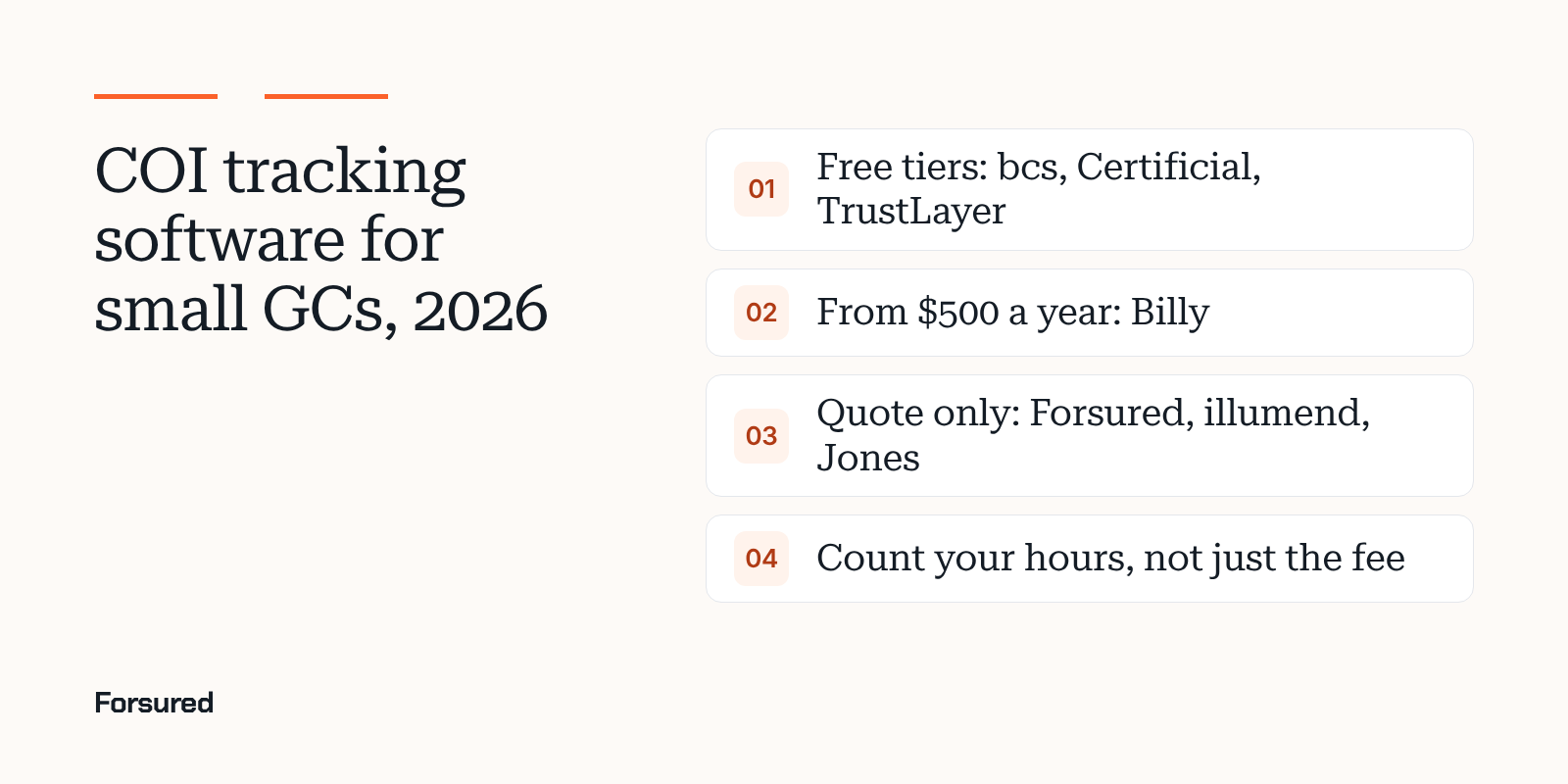
Start free: bcs, TrustLayer or Certificial
bcs is free up to 25 vendors with every software feature, which makes it the easiest way to test real COI tracking on a small job list. Past that, self-service is $11.40 per vendor per year, so 60 subcontractors runs about $684 a year at the published rate. Full service, where bcs analysts call vendors and their agents, starts at $17.80 per vendor per year with a $10,000 annual minimum, which puts it out of reach for most small GCs. bcs isn't built only for construction.
TrustLayer is free up to 50 vendors. Paid tiers are by quote, and the Procore, CMiC and Vista integrations start at the Pro tier. Their endorsement review shows the page behind each result and a person confirms it.
Certificial is free up to 5 suppliers, with Professional from $99 a month. It works differently: certificates come from the vendor's insurance agent, and Certificial flags cancellations and limit changes as they happen. That only works when the agent is on their network, and the product is aimed more at enterprise procurement than construction.
Start cheap and construction-specific: Billy or PINS Advantage
Billy is built for construction only and starts at $500 a year, with a free trial. Requirements are set per project, renewal requests go out three months, one month and the day before a policy expires, and Billy also tracks lien waivers and certified payroll if you need them. A managed plan puts their reviewers on every certificate.
PINS Advantage starts around $300 a month with unlimited users and onboarding, and most annual contracts come in at $7,500 or less. There are no feature tiers. It reads endorsement wording against your contract requirements and your team approves each result. It's the most expensive published option here, and the deepest on wording.
Quote only: Forsured, Jones and illumend
Forsured reads each COI and endorsement against the requirements of the project the subcontractor is on, and puts the broker in a shared workspace where they see the gap, the requirement and the project. A person on your team approves or waives every result. Onboarding is by waitlist, pricing is by quote, and there's no managed review service. You can test it free with a free COI risk check: send one project's requirements and a contractor COI or two.
Jones prices per vendor record per property, billed annually, and never charges vendors or subcontractors. It fits small GCs that also own property. Most broker follow-up sits in the Operator tier.
illumend, the AI platform from myCOI, lets AI make the compliance call and escalates only what it can't resolve. Pricing isn't published.
The cost a small GC forgets
The subscription is the small number. The big one is time. bcs, which sells COI tracking software, estimates manual tracking at about $36,400 a year: 20 hours a week at $35 an hour. That's a vendor's estimate built on assumptions, and our COI Journal report takes the math apart and shows how to build your own. The point holds either way: if a free plan still leaves a project manager reading endorsements and emailing brokers, it isn't free.
Two quick ways to size it:
- Count the COIs. Subcontractors times active projects times policies that renew in a year. That's how many certificates someone has to read.
- Count the chases. How many came back wrong the first time last year? Each one is a round trip with a broker.
How to pick in a week
- List your next three projects and what each owner requires.
- Pick two tools from the table: one free or low-priced, one that reads endorsements against each project.
- Send both the same three real COIs, including one you know is short on completed operations or umbrella limits. See which COI tracking software checks endorsements.
- Watch who catches the gap, how the broker hears about it, and how long the fix takes.
Check contractor insurance requirements by state too. Workers' comp thresholds and anti-indemnity rules change what you can ask for.
About this guide
This guide was written by the Forsured team. Forsured makes one of the tools described here. No vendor paid to be included or saw this page before it was published. Product and pricing facts come from each vendor's own public pages as of Nov 11, 2026. Prices change, so confirm with each vendor.
Get new posts by email.
New posts on contractor COIs and project requirements, plus the coverage gaps we're seeing on real projects. Short and plain.
You're on the list. Thanks for reading.
No spam. Unsubscribe from any email.
About Forsured
Forsured is construction insurance compliance software for general contractors and the brokers who insure their trade contractors. You set each project's insurance requirements once. Forsured reads every contractor COI and endorsement against them, flags each gap with the reason, and keeps checking through renewals until the job is done.
- Project requirements with exceptions, not one template for every job
- Endorsement review (additional insured, waiver of subrogation, primary and noncontributory), not just the certificate
- A shared workspace where the contractor's broker sees exactly what's missing
- A person on your team approves every result, with a full review history
“What stood out to us is that Forsured doesn't just organize the paperwork. It helps us understand what meets the project requirements, what needs attention, and what needs to happen next. That clarity across the GC, subcontractor, and broker is where we see the real value.”
Send us one project's requirements and a contractor COI or two. We'll show you every gap we find, free.
Common questions
Is there free COI tracking software for small contractors?
Yes. bcs is free up to 25 vendors with every software feature, TrustLayer is free up to 50 vendors, and Certificial is free up to 5 suppliers. Billy offers a free trial. Check what each free plan reviews, because endorsement review and integrations are where plans differ.
How much does COI tracking software cost for a small general contractor?
Published prices start at $500 a year (Billy), $11.40 per vendor per year (bcs self-service), $99 a month (Certificial Professional) and about $300 a month (PINS Advantage, where most annual contracts come in at $7,500 or less). Forsured, illumend and Jones quote on request.
Do I need COI tracking software if I only have 30 subcontractors?
Not always. A spreadsheet can track 30 expiration dates. It can't tell you whether an endorsement covers completed operations or meets a project's requirement, and that's where small GCs get hurt. If nobody on your team reads endorsements today, software or a service that does is worth more than a reminder tool.
Can subcontractors upload COIs without creating an account?
With most tools, yes. Billy, bcs, Jones, PINS Advantage and TrustLayer let vendors and their brokers upload through a link. Certificial takes certificates only from the vendor's insurance agent, and agents use it free.
Sources
- Pricing and plans, bcs, checked Nov 11, 2026
- FAQ: requirements, renewals and pricing, Billy, checked Nov 11, 2026
- Pricing, Certificial, checked Nov 11, 2026
- Pricing, PINS Advantage, checked Nov 11, 2026
- Plans, TrustLayer, checked Nov 11, 2026
- Pricing and plans, Jones, checked Nov 11, 2026
- The $36,000 Problem: What Manual COI Tracking Is Really Costing You, bcs, May 14, 2026
We link to the original reporting and research behind every post. This post is general information, not legal or insurance advice: Forsured is a software company, not a law firm or a licensed insurance agency, so confirm anything you'll rely on with your broker or attorney. Spotted something we got wrong? Write to hello@forsured.ai and we'll fix it.