Guides / Buyer's guide
Buyer's guideHow to switch COI tracking software without losing your history
Changing COI tools mid-season feels risky because it is. Here's how to move without a gap in coverage checks or a hole in the record.
People switch COI tracking software for ordinary reasons: the price went up, the old tool doesn't read endorsements, the company outgrew one template, or the vendor changed under them. myCOI customers, for example, are being moved to illumend, myCOI's new AI platform. Whatever the reason, the move has one rule: no week where nobody is checking, and no lost record of what was checked before.
If you're still choosing where to go, see the full comparison of COI tracking software for construction and the demo questions and test packet.
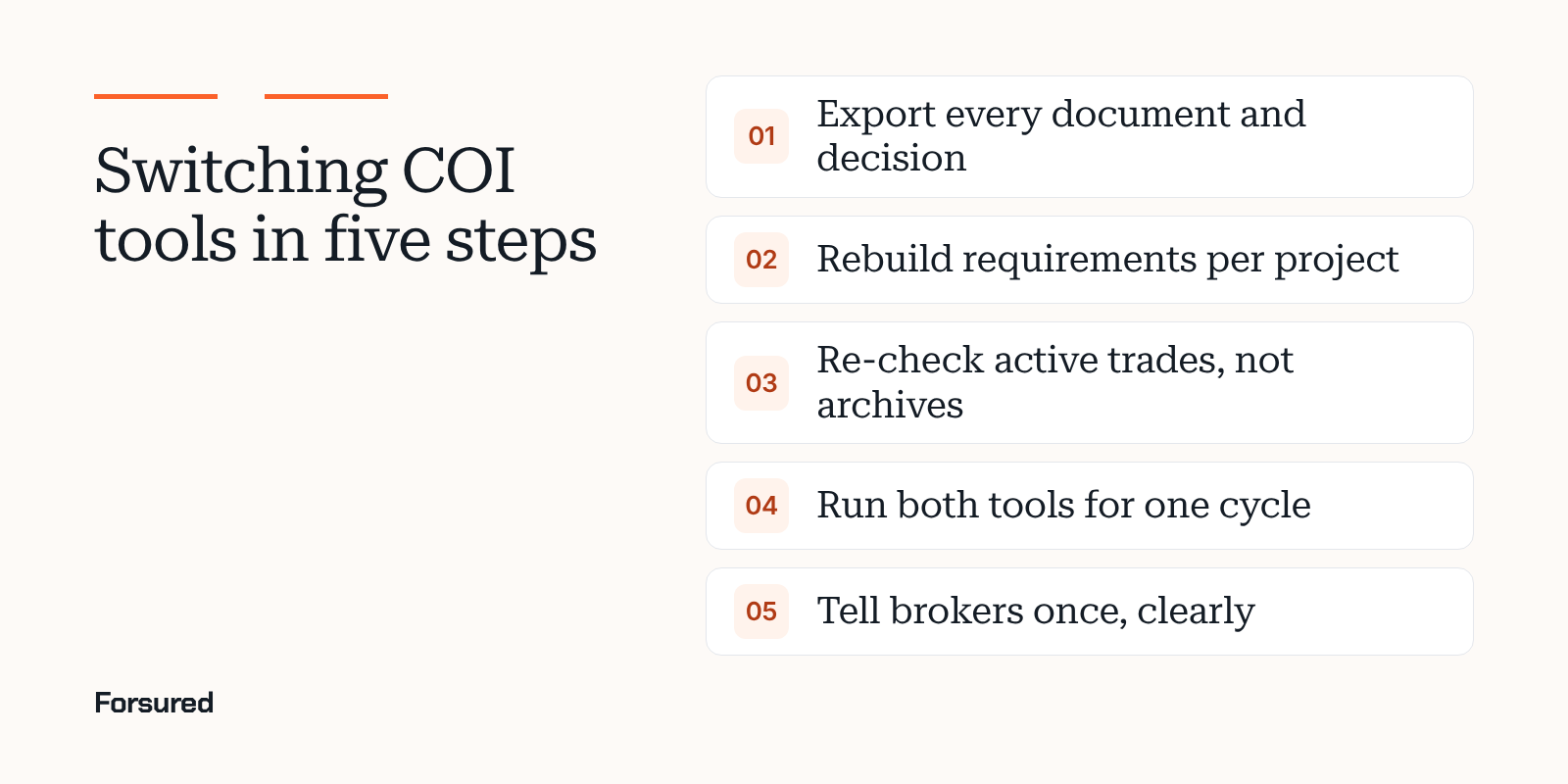
Step 1: Export everything, including the decisions
Before you give notice, export:
- Every certificate and endorsement file, for active and closed projects.
- The requirements each one was checked against.
- Each result, its date, and who approved or waived it, with any note.
- Vendor and broker contacts.
Closed projects matter. A completed operations claim can arrive years after closeout, and your old file is the proof of what you required and what you accepted. Ask the old vendor in writing what format the export comes in and how long your data stays available after you cancel.
Step 2: Rebuild requirements per project
Don't copy your old templates straight across. Use the move to fix them:
- Start from each owner's insurance exhibit and your subcontract language.
- Set one standard, then project-level exceptions where an owner asks for more.
- Check contractor insurance requirements by state for anti-indemnity and workers' comp rules.
Step 3: Re-check active subcontractors, don't import old results
An old "compliant" flag tells you what the old tool decided against old requirements. Load the current certificates and endorsements for every active trade and check them fresh. Expect the new tool to find gaps the old one didn't. That's the point of switching. Our guide to checking a contractor COI covers what a full check includes.
Archive closed projects as files from Step 1 rather than re-checking them.
Step 4: Overlap for one renewal cycle
Keep the old tool read-only for at least one round of renewals. That way a certificate sent to the old address isn't lost, and you can compare results on the same trades.
Step 5: Tell brokers once, clearly
Send one notice to every broker and trade with:
- The date certificates go to the new place.
- How to upload, and whether they need an account.
- Who to call with a question.
Repeat it in your next deficiency notice, then stop using the old address.
A cutover checklist
| Item | Owner | Done |
|---|---|---|
| Full export received and stored | Risk or compliance lead | |
| Requirements rebuilt per project | Risk lead with project managers | |
| Active trades re-checked | Reviewer | |
| Accounting and project system links tested | Finance and IT | |
| Broker notice sent | Compliance | |
| Old tool set to read-only | Admin |
About this guide
This guide was written by the Forsured team. Forsured makes COI tracking software. If you're moving, send us one project's requirements and a few current COIs for a free COI risk check against the new requirements.
Get new posts by email.
New posts on contractor COIs and project requirements, plus the coverage gaps we're seeing on real projects. Short and plain.
You're on the list. Thanks for reading.
No spam. Unsubscribe from any email.
About Forsured
Forsured is construction insurance compliance software for general contractors and the brokers who insure their trade contractors. You set each project's insurance requirements once. Forsured reads every contractor COI and endorsement against them, flags each gap with the reason, and keeps checking through renewals until the job is done.
- Project requirements with exceptions, not one template for every job
- Endorsement review (additional insured, waiver of subrogation, primary and noncontributory), not just the certificate
- A shared workspace where the contractor's broker sees exactly what's missing
- A person on your team approves every result, with a full review history
“What stood out to us is that Forsured doesn't just organize the paperwork. It helps us understand what meets the project requirements, what needs attention, and what needs to happen next. That clarity across the GC, subcontractor, and broker is where we see the real value.”
Send us one project's requirements and a contractor COI or two. We'll show you every gap we find, free.
Common questions
How do I switch COI tracking software?
Export every document and decision from the old tool, rebuild your requirements per project in the new one, re-check every active subcontractor against those requirements, run both tools for one renewal cycle, and send brokers one clear notice of where certificates go from a set date.
What should I export from my old COI tracking software?
Every certificate and endorsement file, the requirement each was checked against, the result, the date, and who approved or waived it, for active and closed projects. Closed projects matter because completed operations claims arrive years later.
How long does it take to switch COI tracking tools?
It depends on volume and vendor. Plan for a few weeks of setup plus one renewal cycle of overlap. Ask the new vendor for their own numbers; PINS Advantage, for example, says most teams are live within a week and a full rollout typically takes 30 to 90 days.
Sources
- Pricing, PINS Advantage, checked Nov 13, 2026
- illumend integration with Procore, illumend, checked Nov 11, 2026
We link to the original reporting and research behind every post. This post is general information, not legal or insurance advice: Forsured is a software company, not a law firm or a licensed insurance agency, so confirm anything you'll rely on with your broker or attorney. Spotted something we got wrong? Write to hello@forsured.ai and we'll fix it.