Guides / Buyer's guide
Buyer's guideCOI tracking software for large, multi-project general contractors (2026)
At 30 active projects and 500 subcontractors, the hard part isn't reading one certificate. It's holding every project's requirements straight and proving who approved what.
A small general contractor's COI problem is time. A large one's is consistency. With 30 active projects, a dozen owners with their own insurance exhibits and hundreds of subcontractors, the question isn't whether someone can read a certificate. It's whether every project is checked against its own requirements, whether accounting knows before a check goes out, and whether you can show who approved a gap when a claim lands two years later.
This guide looks at COI tracking software from that seat. It uses the eight tools in our full comparison of COI tracking software for construction, with every fact from each vendor's own pages, linked under Sources.
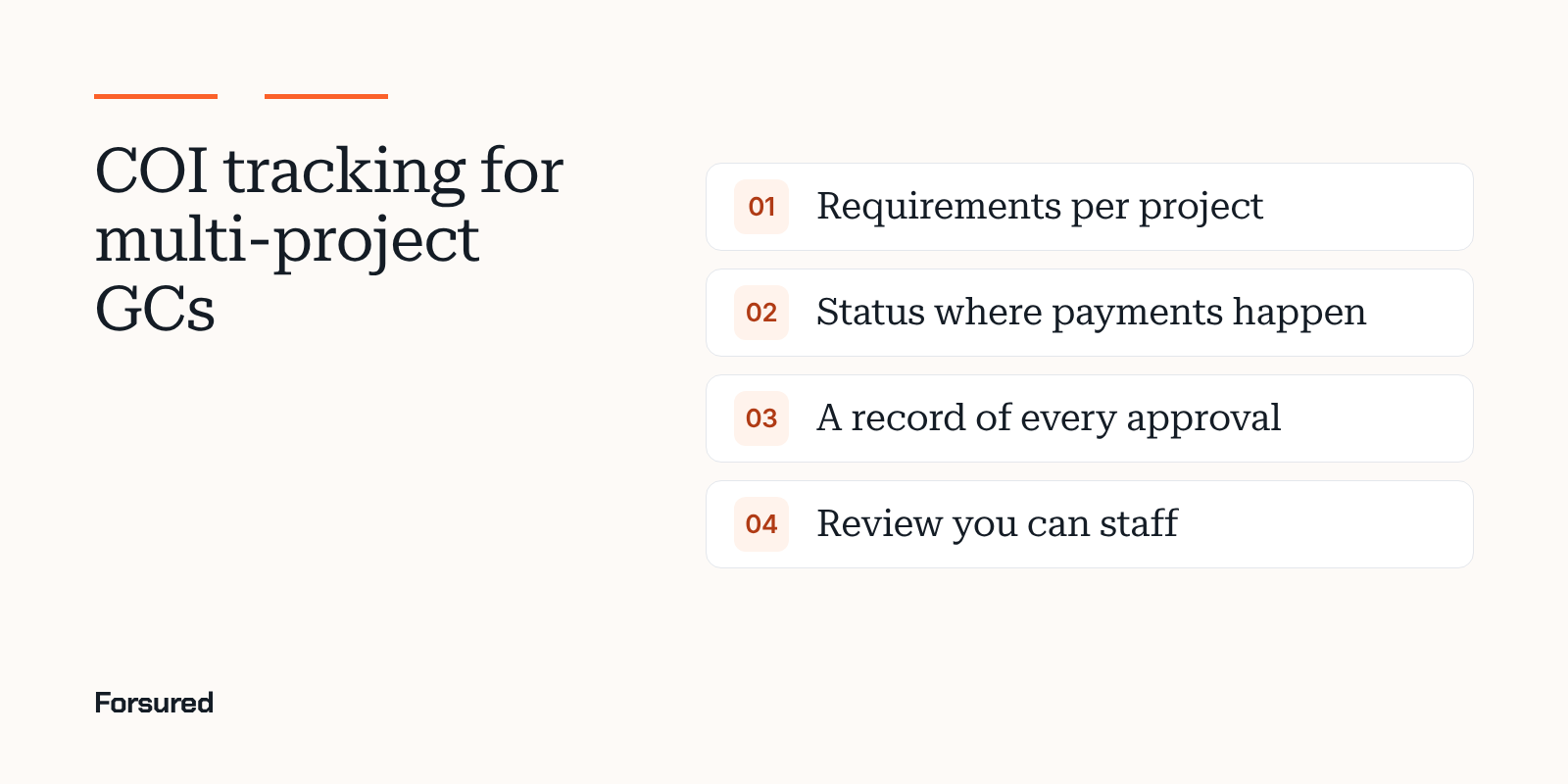
Five things that break at scale
- One template for every project. Owners and lenders ask for different limits, endorsements and completed operations periods. A tool needs requirements per project, with exceptions.
- Status that stops at the COI tool. If accounting can't see it, a non-compliant trade gets paid.
- No record of the decision. When a gap is waived, you need who, when and why.
- Email as the fix channel. At 500 trades, every deficiency becomes a thread.
- Review nobody can staff. Endorsement review is reading work. Either your team does it, AI does it with checks, or a service does it.
How the tools handle scale
| Tool | Requirements per project | Systems it lists | Who reviews | Broker fix channel |
|---|---|---|---|---|
| Billy | Yes | Procore, CMiC, Sage 300, Sage Intacct, JD Edwards, Viewpoint Vista, Trimble ProjectSight, Acumatica, others | Your team or Billy's reviewers | Deficiency list and upload link |
| PINS Advantage | Yes, from contracts | Procore, with status on the commitment | Your team | Upload link and revised endorsement requests |
| TrustLayer | Yes | Procore, CMiC and Vista from the Pro tier | AI confirmed by a person, or TrustLayer+ | Broker access |
| Jones | By record, project or property | Procore | AI and Jones specialists | Concierge on the Operator tier |
| Forsured | Yes, with exceptions | Procore for early access customers | Your team | Shared GC and broker workspace |
| bcs | Yes | Procore, Yardi, MRI | AI with a person on disagreements, or bcs full service | Analyst outreach on full service |
| illumend | By contract | Procore, listed as myCOI | AI decides | illumend follows up |
| Certificial | Project layer | Agent network | Your team | The vendor's agent keeps it current |
What to look at closely
Requirements per project, with exceptions
Ask each vendor to load two of your real owner exhibits and show you the same trade checked against both. Watch for how exceptions work: a waived umbrella limit on one small scope shouldn't lower the bar on the next job. Our COI Journal report on setting requirements per project and tracking renewals covers how to structure them.
Status in the systems that pay
Billy lists the widest set of construction ERP and project integrations. PINS Advantage writes Approved or Not Approved to the Procore project directory and the commitment's compliance tab. TrustLayer puts its construction integrations in paid tiers. Ask what field changes, in which system, and whether it can hold a payment.
The record of who approved what
Every tool keeps history. The question is whether it shows the requirement, the document, the reason and the person for each accepted gap. That record is what you hand your broker, carrier or attorney after a claim. Keep the requirement version, the documents, the reason and the reviewer's name together for each one.
Rollout
PINS Advantage says most teams are live within a week and a full rollout typically takes 30 to 90 days. Ask every vendor for the same two numbers, and what they need from you to hit them.
Where Forsured fits
Forsured is built for requirements that change by project and owner. It reads each certificate and endorsement against that project's requirements, puts the broker in a shared workspace with the gap and the requirement, and records the person who approved or waived each result. It's newer than the others here: onboarding is by waitlist, the Procore integration is for early access customers, and there's no managed review service.
About this guide
This guide was written by the Forsured team. Forsured makes one of the tools described here. No vendor paid to be included or saw this page before it was published. Every vendor fact comes from that vendor's own public pages as of the dates under Sources. Products change, so confirm with each vendor.
Get new posts by email.
New posts on contractor COIs and project requirements, plus the coverage gaps we're seeing on real projects. Short and plain.
You're on the list. Thanks for reading.
No spam. Unsubscribe from any email.
About Forsured
Forsured is construction insurance compliance software for general contractors and the brokers who insure their trade contractors. You set each project's insurance requirements once. Forsured reads every contractor COI and endorsement against them, flags each gap with the reason, and keeps checking through renewals until the job is done.
- Project requirements with exceptions, not one template for every job
- Endorsement review (additional insured, waiver of subrogation, primary and noncontributory), not just the certificate
- A shared workspace where the contractor's broker sees exactly what's missing
- A person on your team approves every result, with a full review history
“What stood out to us is that Forsured doesn't just organize the paperwork. It helps us understand what meets the project requirements, what needs attention, and what needs to happen next. That clarity across the GC, subcontractor, and broker is where we see the real value.”
Send us one project's requirements and a contractor COI or two. We'll show you every gap we find, free.
Common questions
What COI tracking software do large general contractors use?
Large GCs usually need requirements set per project, accounting and project system links, and a record of every approval. Billy, PINS Advantage, TrustLayer, Jones and Forsured all set requirements by project. Billy and TrustLayer list construction ERP integrations, and PINS Advantage writes approval status into Procore commitments.
How do large GCs stop paying non-compliant subcontractors?
By putting compliance status where pay applications are approved. Some COI tools sync status to the accounting or project system so a payment can be held until the certificate and endorsements meet the project's requirements. Ask each vendor exactly which field it writes and which system reads it.
Should a large GC use software or a managed COI service?
It depends on who you want reviewing. Software keeps the decision with your risk team and gives you the record. A managed service adds reviewers and outreach. Billy, bcs, Jones and TrustLayer offer both, while Forsured and PINS Advantage are software your team runs.
Sources
- Billy home page and integrations menu, Billy, checked Nov 13, 2026
- Plans, TrustLayer, checked Nov 11, 2026
- AI COI review, PINS Advantage, checked Nov 11, 2026
- Pricing, PINS Advantage, checked Nov 13, 2026
- Pricing and plans, Jones, checked Nov 11, 2026
- Certificial home page, Certificial, checked Nov 13, 2026
We link to the original reporting and research behind every post. This post is general information, not legal or insurance advice: Forsured is a software company, not a law firm or a licensed insurance agency, so confirm anything you'll rely on with your broker or attorney. Spotted something we got wrong? Write to hello@forsured.ai and we'll fix it.